Spreadsheet vs Perfume Software: When to Stop Using Excel
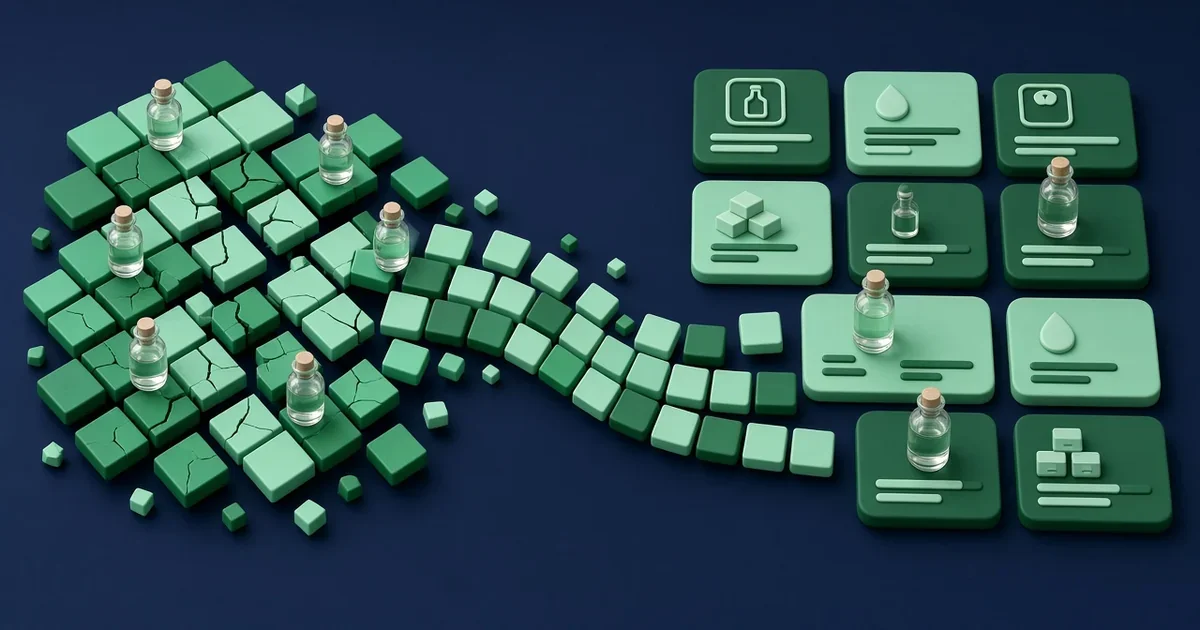
Almost every perfumer's first formula lives in a spreadsheet. It makes sense: Excel and Google Sheets are free or already installed, a formula is basically a list of materials and amounts, and a few cell formulas can turn grams into percentages in seconds. There are even free perfume formula spreadsheet templates shared by teachers, suppliers and hobbyists online.
For a while, that's all you need. Then the number of trials grows, a few materials get diluted, someone asks you what a 50 ml bottle costs, and the file you trusted starts to feel fragile. This guide looks honestly at both options: what a good perfume formula spreadsheet should include, where spreadsheets stop being the right tool, and the signs that it's time to move your formulas into dedicated perfume software.
Why Perfumers Start With a Perfume Formula Spreadsheet
Spreadsheets are a genuinely good place to learn perfumery maths. Building your own sheet forces you to understand how a formula works: why you weigh instead of counting drops, how a 10% dilution changes the real amount of material, and how percentages relate to the total weight of a trial.
The main advantages are easy to see:
It's free and familiar. Most people already know the basics of Excel, Google Sheets, Numbers or LibreOffice.
It's completely flexible. You can add any column you like, from supplier notes to how a material smells after 24 hours.
It's portable. A CSV or spreadsheet file opens almost anywhere and is easy to back up.
It teaches you the logic. Writing the formulas yourself means you know exactly how every number is calculated.
If you only have a handful of formulas and you're still experimenting, a spreadsheet is a perfectly reasonable choice.
What a Good Perfume Formula Spreadsheet Should Include
If you're going to use a spreadsheet, build it properly. A reliable perfume formula spreadsheet usually has these columns for each material in the formula:
Material name, written consistently, including the supplier if you buy the same material from more than one place.
Weight in grams, the amount you actually weighed for the trial.
Dilution or strength of the bottle, for example 100% for neat material or 10% for a 10% solution.
Pure material weight, calculated as weight multiplied by dilution, so the solvent isn't counted as fragrance.
Percentage of the concentrate, each material's weight divided by the total weight of the formula.
Note or role, such as top, heart or base, to help you read the structure.
Price per gram, if you want to estimate the cost of the formula.
On top of that, many perfumers add a separate tab for their material library, another for scaling a trial up to a larger batch, and a column that flags materials with IFRA restrictions. If you're not sure about the dilution maths, our guide to perfume dilution walks through it step by step.
Where Spreadsheets Start to Break Down
Spreadsheets don't fail all at once. They get slowly harder to trust as your work grows. These are the problems perfumers run into most often.
Version Chaos
After a few months, it's common to have files called "amber final", "amber final 2" and "amber final REAL". Without a proper version history, it becomes hard to know which trial was the one you liked, what changed between versions, and why.
Broken Formulas and Silent Errors
One accidental drag, a deleted row or a cell formula that doesn't extend to a new line can quietly change your totals. A spreadsheet won't warn you that the percentages no longer add up to 100%, or that a diluted material is being counted as if it were neat. You only notice when a trial smells wrong, if you notice at all.
Materials Copied Everywhere
In a spreadsheet, your materials usually live inside each formula. When a supplier raises the price of a material, you have to update it in every file that uses it. The same goes for dilution notes and safety information. Sooner or later, two formulas disagree about the same material.
Inventory That Lives in Your Head
A formula sheet tells you what you plan to weigh, not what's actually on your shelf. Tracking stock in a spreadsheet means manually subtracting every batch you make, which is easy to forget. Running out of a key material halfway through a production run is a very real cost.
Costing That's Always Out of Date
Working out the cost of a bottle means combining material prices, dilution, batch size and packaging. It's possible in a spreadsheet, but every price change has to be updated by hand. If you want to know how the numbers work, read our guide to calculating perfume formula cost.
Compliance Checks That Depend on You
You can add IFRA limits to a spreadsheet, but you have to enter them, keep them current when the standards are amended, and apply the right product category yourself. A spreadsheet will happily accept a value it doesn't know is over a limit.
Signs It's Time to Stop Using Excel for Perfume Formulas
Not everyone needs software, and that's fine. But if several of these sound familiar, your spreadsheet is probably costing you more time than it saves:
You have more formulas or versions than you can comfortably track by file name.
You've repeated a mistake because you were working from the wrong version.
You dilute materials regularly and keep having to double-check the real percentages.
You've started selling, or plan to, and need to know your cost per bottle with confidence.
You make the same formula in different batch sizes and scale it by hand.
You've run out of a material mid-batch because the stock sheet wasn't updated.
You need to check formulas against IFRA limits for a specific product category.
The tipping point for many indie perfumers is the move from hobby to selling. Once a formula becomes a product, mistakes in percentages, costs or compliance stop being an inconvenience and start becoming a business risk.
Spreadsheet vs Perfume Software: A Side-by-Side Look
Here's how the two approaches compare on the tasks perfumers do every day.
Writing a Formula
Spreadsheet: You build the structure and the cell formulas yourself, and you have to protect them from accidental edits.
Perfume software: Percentages and totals are calculated automatically as you enter materials and amounts.
Dilutions
Spreadsheet: You need an extra column and a formula to calculate pure material, and you have to remember to use it.
Perfume software: Each ingredient can carry its own concentration, and the effective pure amount is worked out for you.
Versions
Spreadsheet: You copy tabs or files and rely on naming conventions.
Perfume software: Versions are linked, so you can trace how a formula evolved and go back to an earlier one.
Costs, Stock and Batches
Spreadsheet: Prices, stock and scaling are separate sheets that you keep in sync manually.
Perfume software: Material prices feed formula costs, batches can be scaled to any size, and stock can be deducted when you log a batch.
IFRA Checks
Spreadsheet: Only as good as the limits you typed in and keep updated.
Perfume software: Formulas can be cross-checked against IFRA guidelines for the product category you choose, with problem materials flagged before production.
How to Move From a Spreadsheet to Perfume Software
Switching doesn't have to be a big project. A calm, step-by-step migration works best.
Clean Up Your Material List First
Before moving anything, make a single list of the materials you actually own, with consistent names, the dilutions you keep them at, and their price per gram. This is the foundation of everything else, and it's useful even if you never switch.
Start With Your Active Formulas
You don't need to move every experiment you've ever made. Start with the formulas you're selling or actively developing, and keep the old spreadsheet as an archive. It's worth knowing that ScentLabs doesn't import spreadsheets yet: formulas are entered manually or through its bulk-insertion workflow, and spreadsheet import is on the roadmap. Starting with a small set of key formulas keeps that work manageable.
Build New Habits
Once your key formulas are in, create new trials as new versions instead of new files, log your batches so stock stays accurate, and let costs update from your material prices. If you're still comparing tools, our overview of the best perfume formulation software is a good place to start.
How ScentLabs Replaces the Perfume Formula Spreadsheet
ScentLabs is a web app built for indie perfumers and small fragrance brands, and it covers the jobs most perfumers try to do with spreadsheets:
Formula Creator: build formulas with per-ingredient dilution tracking, a visual olfactive pyramid, and linked versions you can duplicate, branch and trace back.
Inventory Management: track stock for every raw material, set low-stock thresholds, and record supplier and price per gram.
Batch production: scale any formula to a target weight or multiplier, log production runs with notes and lot numbers, and deduct the materials used from stock.
Cost calculation: compute formula costs from your raw material prices and export cost breakdowns as PDF.
IFRA compliance: cross-check formulas against current IFRA guidelines for your product category.
ScentLabs has three plans, with prices in USD:
Free: up to 25 materials and 10 formulas, enough to move your active work over and see how it feels.
Pro: US$5.99 per month.
Lifetime: a one-time payment of US$49.99.
You can compare what each plan includes on the pricing page.
Frequently Asked Questions
Is a perfume formula spreadsheet good enough for beginners?
Yes. For learning and for a small number of formulas, a well-built spreadsheet works well and teaches you the maths behind formulation. Just weigh in grams, track dilutions, and save each trial as a separate version.
What columns should a perfume formula spreadsheet have?
At minimum: material name, weight in grams, dilution of the bottle, pure material weight, and percentage of the total. Many perfumers also add note type, price per gram and IFRA notes.
Can I import my spreadsheet into ScentLabs?
Not yet. Formulas are currently entered manually or through ScentLabs' bulk-insertion workflow, and spreadsheet import is on the roadmap. Starting with your most important formulas keeps the move quick.
When should I switch from a spreadsheet to perfume software?
A good moment is when you start selling, when you lose track of versions, or when keeping costs, stock and IFRA checks up to date by hand takes more time than formulating.
Try ScentLabs Free
Your spreadsheet got you started, and that's worth something. But if you're juggling versions, re-checking dilutions and updating prices in five different files, it may be time for a tool that does the maths for you. Create a free ScentLabs account, move your two or three most important formulas over, and see whether you ever want to go back. Start with the Free plan today.